Factory handbook / PC launch release
Your first sales, then your first vacuum
Kill a creature, carry its body into the crusher, then put the finished can in the blue tube. After selling, enter the lit lift for the Skill Tree. Repeat the loop and follow the equipment route to the $40 Industrial Vacuum.
Updated 2026-10-31 · PC launch release
Follow the route
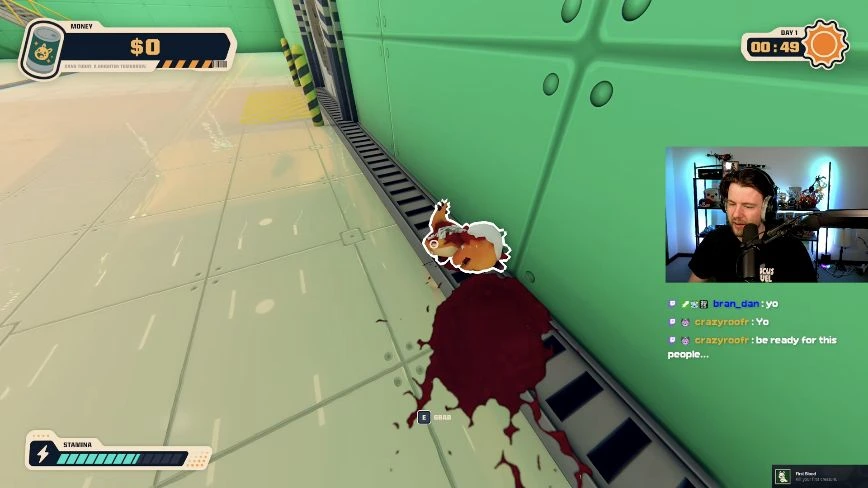
Kill one creature and pick up the body
Keep attacking until the creature falls. Aim at the body and use E when the GRAB prompt appears. A standing or moving creature is not a finished body-delivery job. Start with a small batch you can actually carry and process.
 Open full-size image ↗
The outlined body shows the E GRAB prompt. PC launch gameplay: SlackATK; game: LuisDev. Put the body inside the crusher hopper
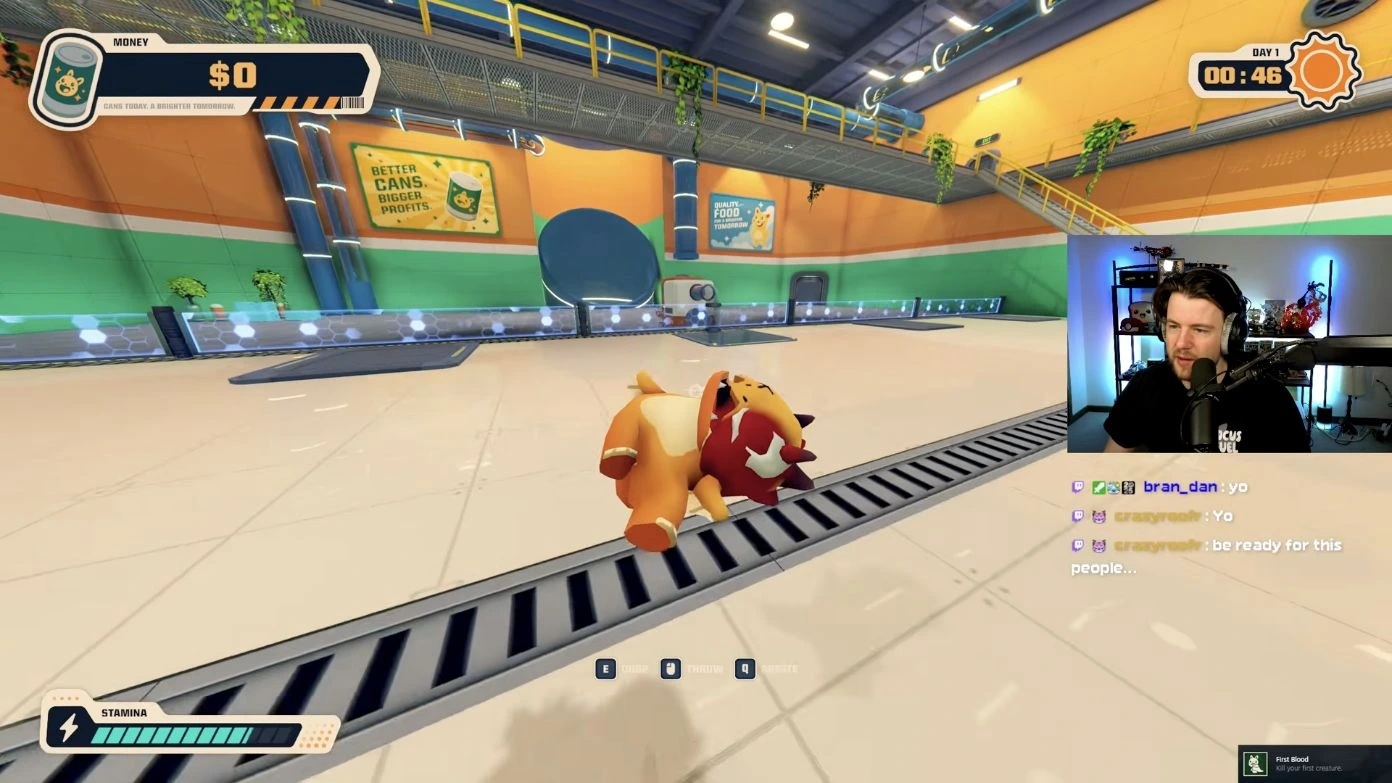
Carry it to the open rectangular hopper beside the processing machine. While holding it, the launch UI shows E to drop, left mouse to throw and Q to rotate. Aim inside the hopper rather than at the machine casing or its rim. A body on the floor still needs moving.
 Open full-size image ↗
The prompts change after you pick up the body. PC launch gameplay: SlackATK; game: LuisDev. Sell the can, not the unprocessed body
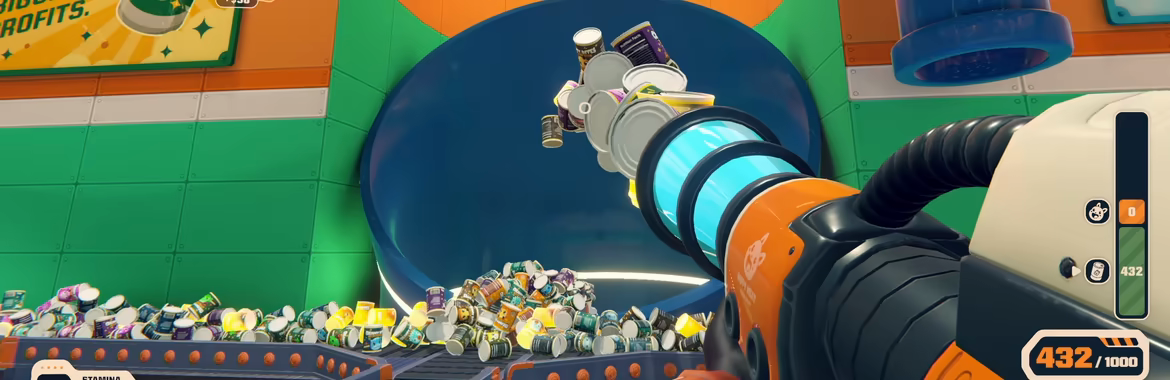
Move around to the machine’s can output. Take the finished can to the large blue round tube and put it inside. Watch for positive money feedback. Killing and crushing are intermediate steps; a can at the output has not earned money yet.
 Open full-size image ↗
The blue circular opening is the selling destination. Official Steam store footage. Enter the lit lift for upgrades
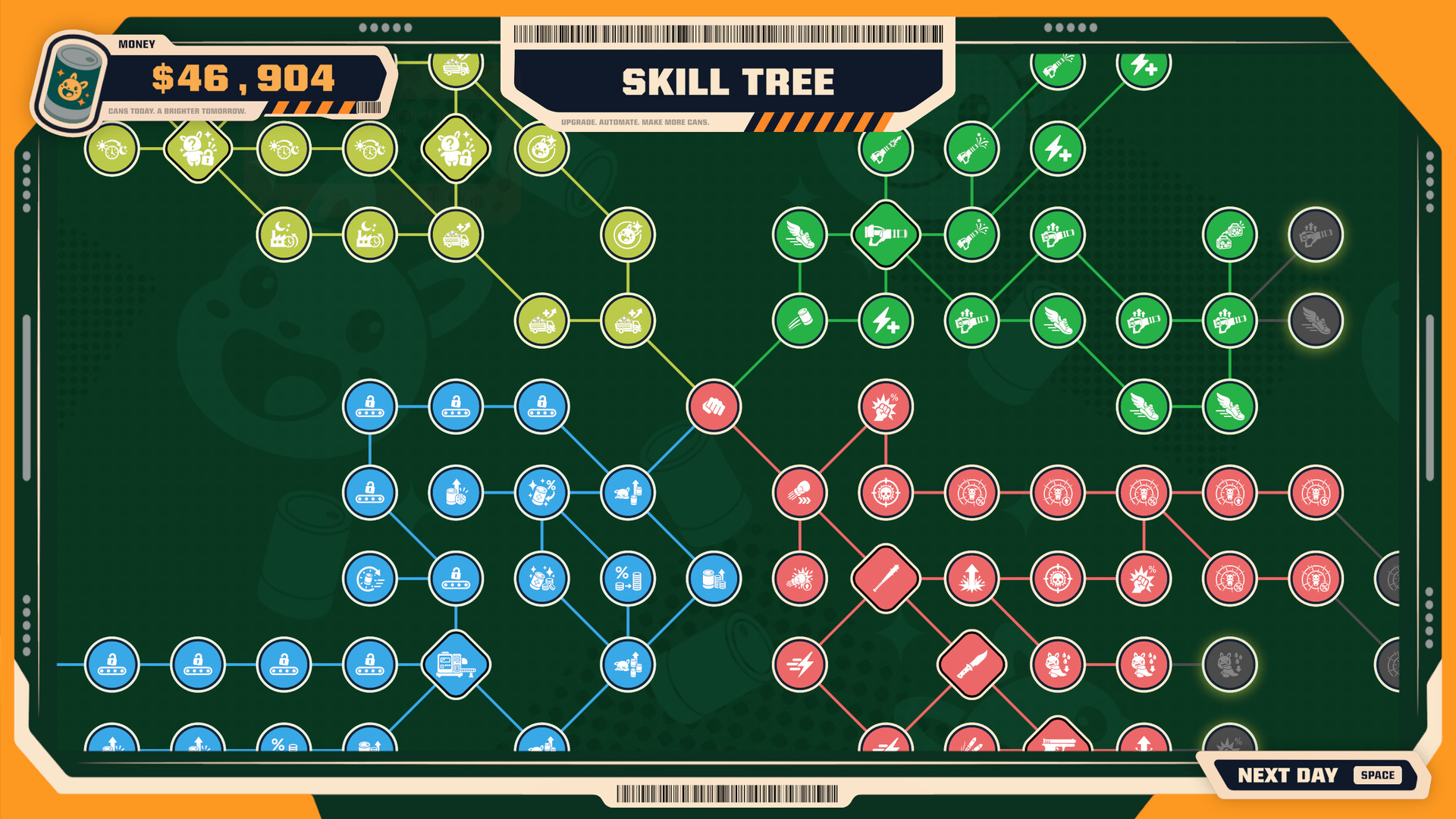
After your sale run, walk into the brightly lit lift doorway to reach the Skill Tree. Inspect a node’s name, effect, price and connecting lines before buying. The opening punch node leads to the wider tree. Use NEXT DAY [SPACE] when you are ready to continue.
 Open full-size image ↗
The Skill Tree is the between-day upgrade screen. Official Steam store screenshot. Work toward the vacuum without neglecting sales
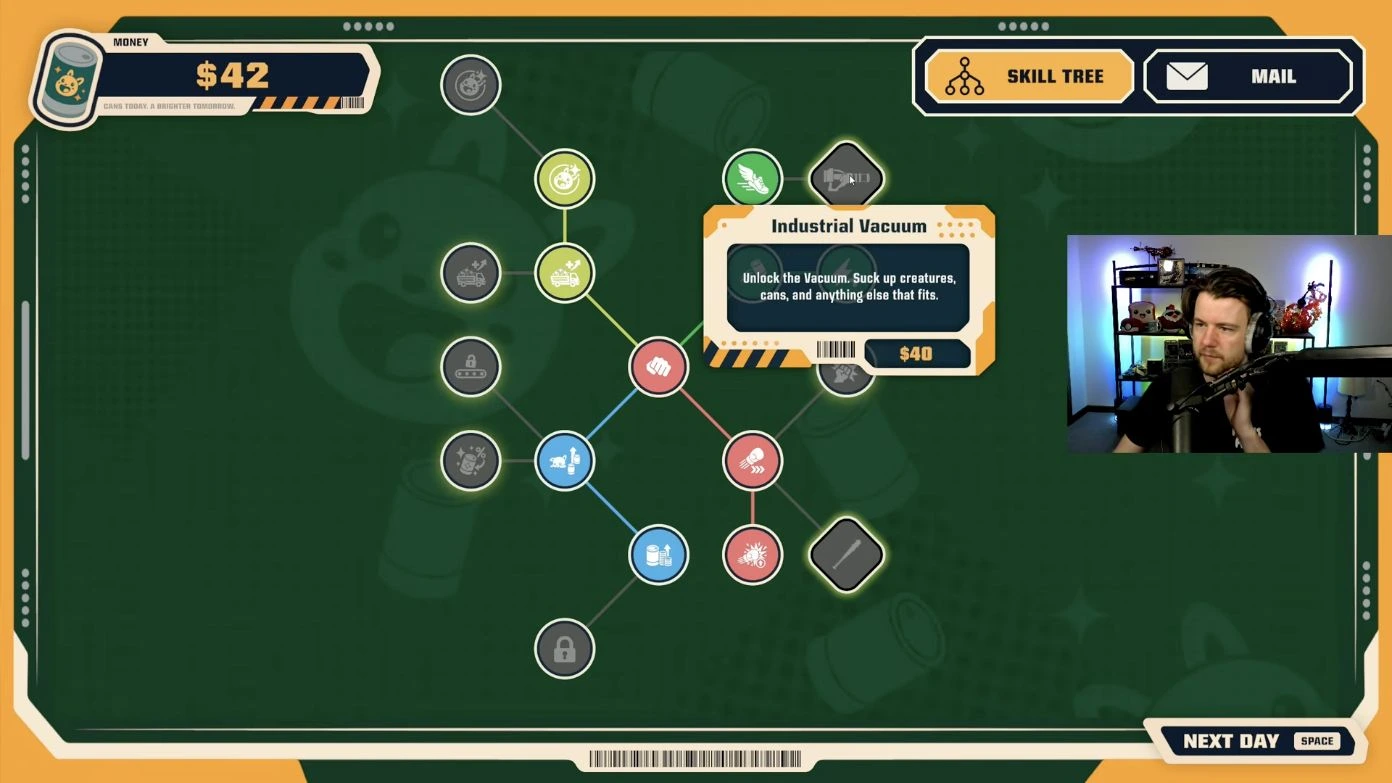
The cited launch playthrough follows Professional Yeeter, Cardio and Move It on the green equipment branch before buying Industrial Vacuum for $40. The scenes show throwing force +50% for $3, stamina duration 5s → 6s for $8 and running speed +5% for $6. Keep converting bodies into sold cans between purchases.
 Open full-size image ↗
Look for the vacuum-shaped diamond and read its card. PC launch gameplay: SlackATK; game: LuisDev. Switch from hand trips to cargo runs
Equip the vacuum with F. Right mouse sucks up cargo, the wheel switches the selected body/can category, and left mouse throws the selected cargo. Bodies go into the hopper; cans go into the tube. Check the selection arrow before unloading. The detailed vacuum page below shows the cargo HUD and the whole purchase route.
Check the result
You have completed the opening route when you can make a sale, return to the Skill Tree and use the vacuum to deliver bodies to the hopper and cans to the blue selling tube.
If you get stuck
If money stays at zero, check the machine output and sell the finished can. If a held body will not enter the hopper, aim inside the rectangular opening and read the current holding prompt. If the vacuum fires the wrong cargo, use the wheel and verify the white selection arrow.
Keep the next job moving
Sources & scope
The official Steam store establishes the production loop. SlackATK’s PC launch playthrough, uploaded October 31, shows the hand prompts at 03:11–03:14, the lift and Skill Tree after the first sale, and the vacuum route through 24:17. Watch the source playthrough ↗