Factory handbook / Demo v0.1
Finish the Demo conveyor route to automatic sales
A first conveyor segment does not automate the whole sale. In Demo v0.1, follow Machine 1’s connected Conveyor 1.x upgrades until the belt reaches the blue tube, then verify a processed can arrives and produces income. Machine 2 has a separate output route.
Updated 2026-10-31 · Demo v0.1
Follow the route
Establish a manual sale before buying transport
Put a body into the hopper, collect the resulting can and sell it at the blue tube. This identifies both endpoints. A conveyor moves output; it does not kill creatures or fill an empty hopper. Keep the vacuum available for unfinished stretches.
Follow the Machine 1 conveyor branch
At the Skill Tree, inspect the blue processing branch and read each Conveyor 1.x tooltip. Buy the connected section for Machine 1, return to the factory and look at how far the belt now reaches. Continue along that same route at later upgrade screens. Do not switch to a second machine’s conveyor just because its node is available.
Clear cans at the unfinished end
Until the route is connected, cans still require a manual sale run. Find where movement stops, collect those cans with the vacuum and send them into the blue tube. Another can-output upgrade adds work to the same unfinished route; it does not bridge the missing section for you.
Connect the final stretch and inspect the whole line
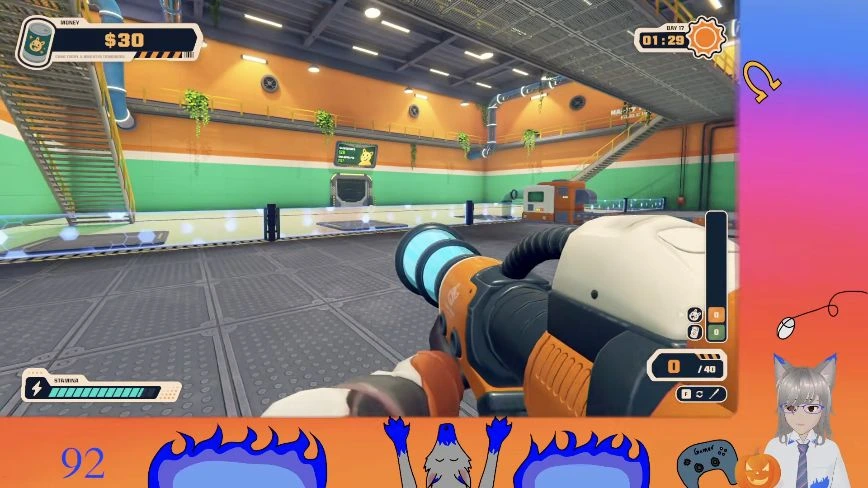
Follow the route physically from Machine 1’s output across the factory toward the tube. The cited Demo scene shows the expanded route after the remaining sections are purchased. Completion means an unbroken useful path to the selling destination, not simply several blue nodes in the tree.
 Open full-size image ↗
Use the machine and blue tube as endpoints when checking your route. Demo v0.1 gameplay: huskywolfgirl; game: LuisDev. Verify income while doing another job
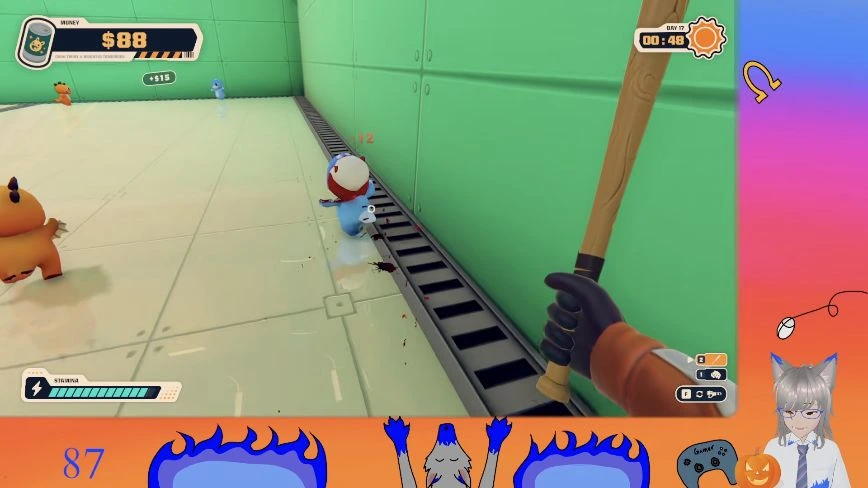
Let a processed can travel down the completed route. Watch its destination and the money feedback while you fight or collect bodies. The source run shows positive income while the player is attacking at 45:11. A moving belt with no can input is not a throughput test.
 Open full-size image ↗
The sale route can earn money while the player handles combat. Demo v0.1 gameplay: huskywolfgirl; game: LuisDev. Treat Machine 2 as a new output route
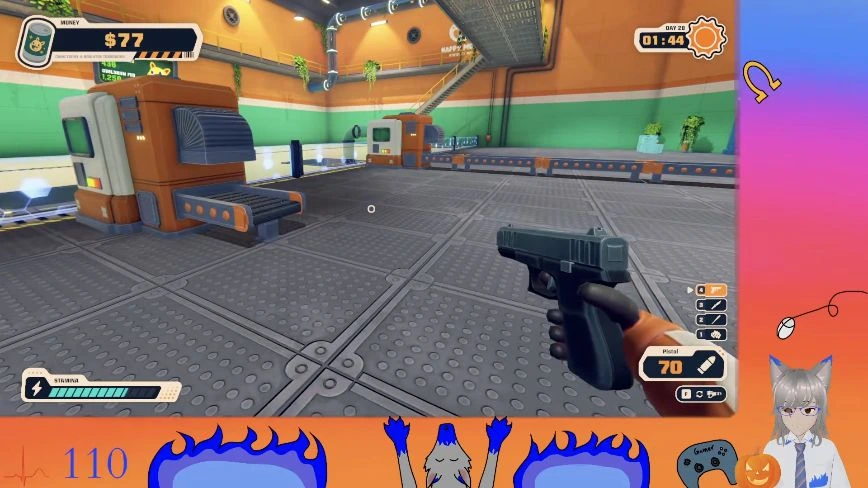
Factory Expansion’s $1,000 Demo card unlocks Machine 2. Its short output belt starts a separate transport problem; the first completed line does not extend it automatically. Repeat the same process for the second machine’s conveyor upgrades and manually sell its cans until the new route connects.
 Open full-size image ↗
Check each machine’s own output. Demo v0.1 gameplay: huskywolfgirl; game: LuisDev. Choose speed only after the route is complete
Use the queue to tell what to inspect next. If cans stop at a physical end, finish transport. If the connected line is moving cans but the hopper stays full, inspect processing. The cited Faster Processing Demo card shows $250 and speed 0% → +25%. Night Shift’s separate 0s → 10s card affects after-dark running time; it does not fix a missing conveyor section.
Diagnose the remaining queue Observation Likely next job Hopper empty; bodies remain on the floor Collect and deliver bodies Hopper has input; cans emerge slowly Inspect processing upgrades Cans stop at an unfinished belt end Finish that machine’s conveyor route Cans move to the tube and income appears The sale route is working Line stops after dark Check the Demo’s machinery-running duration, then sell cans already outside
Check the result
Machine 1’s sale route works when finished cans reach the tube and produce income without a separate carrying trip for each can. The second machine needs the same check independently.
If you get stuck
If nothing sells, start at the machine output and follow a real can. Clear cans at unfinished ends, feed an empty hopper and check each machine’s own route. Do not infer that buying more creatures, more cans per body or faster processing completes a missing belt connection.
Keep the next job moving
Sources & scope
The connected route and income check come from huskywolfgirl’s Demo v0.1 recording at 44:24–45:11. Factory Expansion and Faster Processing are visible around 47:18–47:20. This guide does not publish an unverified full-release conveyor shopping list or total upgrade cost. Watch the source playthrough ↗